Free American Football Template

Hello friends.
Let us announce the regular Tonytemplates action “Deal of the week”. One of our products is absolutely FREE for all during one week.

See this action details below:

The screenshot of American Football web template

How can you receive your template?

To get your FREE American Football Theme you have to like our facebook post, click on it as well as on the product page. After doing above mentioned actions just send us a message with your query via Facebook message service to let us know.

Best regards,

Tonytemplates team

Posted on by
Posted in Promotional offer|Tagged |

9 Best Themes of April 2015

Hello friends.
Today’s post will make you familiar with the best templates of April, which were popular among Tonytemplates clients. They belong to different categories and CMS types. One thing is common – all of them are very popular between customers.

Review them below.

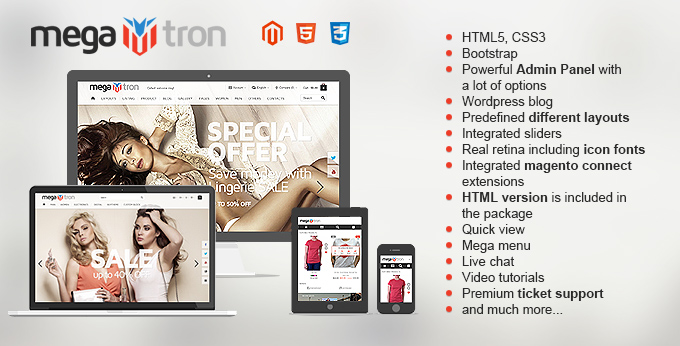
Dresscode Magento

Dresscode Magento template's image

Main theme’s features:

  • • responsive design
  • • unlimited colors
  • • powerful admin panel
  • • cloud zoom images
  • • exclusive banner/slider


Fixit Computer Repair 

Fixit Computer repair website template's screenshot

Main theme’s features:

  • • responsive
  • • SEO optimized source code
  • • html 5, css3
  • • bootstrap 3
  • • custom html pages
Posted on by
Posted in Templates' highlights|

11 Best Themes of March 2015

Posted in Templates' highlights|Tagged |

7 Best themes of February 2015

Posted in Templates' highlights|Tagged , |

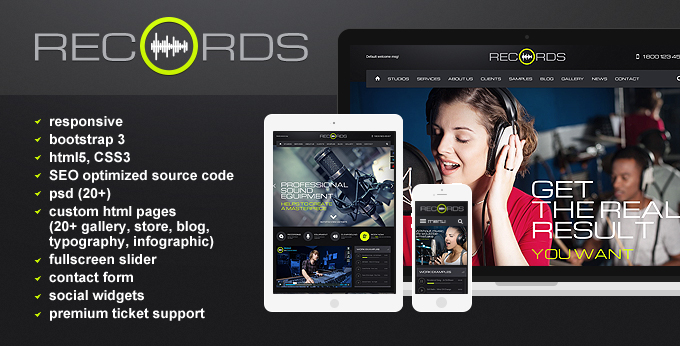
New Html 5 template – Records

Hello dear visitors.
Today we are glad to present to all our customers new Music template – Records.
The product is based on Html5.

The image of Preview for Records theme

The main features are:

  • • responsive
  • • bootstrap
  • • html5, CSS3
  • • SEO optimized source code
  • • social widgets
  • • psd 20+

Review and enjoy it. Perhaps, Records is the implementation of your wed design wishes.

Waiting for your comments.
Best regards,
Tonytemplates team

Posted in Templates' highlights|Tagged |

4 Easy Steps on Setting of MultiStore Functionality in Opencart

Hello dear readers of the rubric Learning Sessions.
Today we continue speaking about Opencart. The last article was devoted to new Opencart 2.0 functionality. If you want to know how the main features work, read here – “Quick use of the new Opencart version 2.0.1.1” Now is the time to share some knowledge about Opencart Multistore functionality.
Ok. Let’s start.
Almost all popular e-commerce platforms provide customers with the opportunity to create some stores in one site, which is called “multistore”. OpenCart allows you to create some stores with different look of Frontend, products and categories in one also. What are the benefits of such Multistore functionality arranging?

The essential points are:

  • • You will have one administration panel allowing you to make all settings for different stores: creating blocks, adding products, categories, information pages etc. You will not have to enter each store separately and remember passwords for each one. As a result you will work faster.
  • • You will have to make installation procedure of default OpenCart at once.
  • • You will have possibility to save disk space on your server. As much stores as you need – your ability. However, they will all be disposed in one physical disk place.
  • • You will not need the necessity of separate domain names creation for each store. The only one thing you have to do is to create subdomains for each sub store of your main shop.

So, if you decided to create a Multistore on OpenCart, do it! This can be done in some easy steps.

1. Make subdomains under your base domain

We will not explain how to do this due to the fact that such actions can vary for different hosting providers. If you have problem with hosting settings, ask your hosting manager about how to create subdomains.
As for our article, let’s call our main domain: mydomain.com
Subdomain will be called: second.mydomain.com.

2. Add new store and settings for it in administration panel of OpenCart

Go to admin panel: System -> Settings -> Add new.


Adding small

New store adding in Opencart cms


Screenshot 1

Posted in Learning sessions|

Get Your Kids Club Template for FREE

Hello dear visitors.
This post presents to you new Deal of the week.
Well, look through the action’s details:

  • • Product: Kids Club 
  • • Period:  02.13.2015 – 02.19.2015

Kids Club website template's picture

How can you receive your free product?

Well, to receive Kids Club template you need to like our facebook post, click on it as well as on the product page. Then that send us a message with your query via Facebook message service to let us know.

Best regards,

Tonytemplates team

Posted in Promotional offer|Tagged , |

Opencart – Brilliant Way to Run Your Website

Hey all!
Today we want to demonstrate clearly the main features and advantages of Opencart CMS. We’ve created some infographic that is must.

Well, look at it below and complete your knowledge about this wonderful CMS.


opencart2

Posted in Presale Suggestions|Tagged |

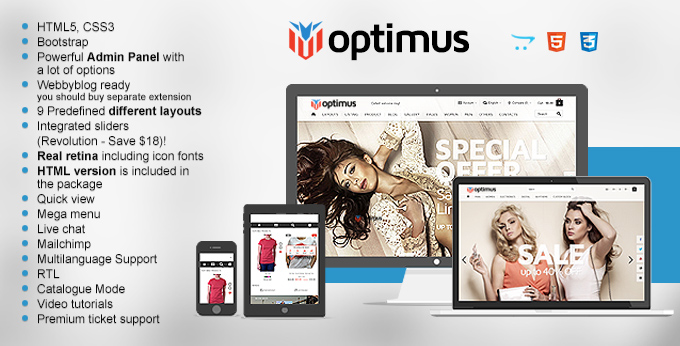
Don’t miss New Bestseller product Optimus Opencart template

Hi friends.
We burn with the desire to share with you our pleasant emotions. Our new Opencart product has become the most popular recent days.

Let us present it to you  once more.

OPTIMUS Opencart Responsive Bootstrap Fashion Theme

Optimus Opencart Website theme's image


bootstrap theme

Posted in Templates' highlights|Tagged , |

Recording Studio Theme for free

Hello dear readers.
This post presents to you new Deal of the week action.
Look through the details:

Recording Studio website theme's image

How can you get the product?

Well, to receive Recording Studio template you need to like our facebook post, click on it as well as on the product page. Then that send us a message with your query via Facebook message service to let us know.

Best regards,

Tonytemplates team

Posted in Promotional offer|Tagged , |